Brand mentions in ChatGPT: how to track them, and what they're worth
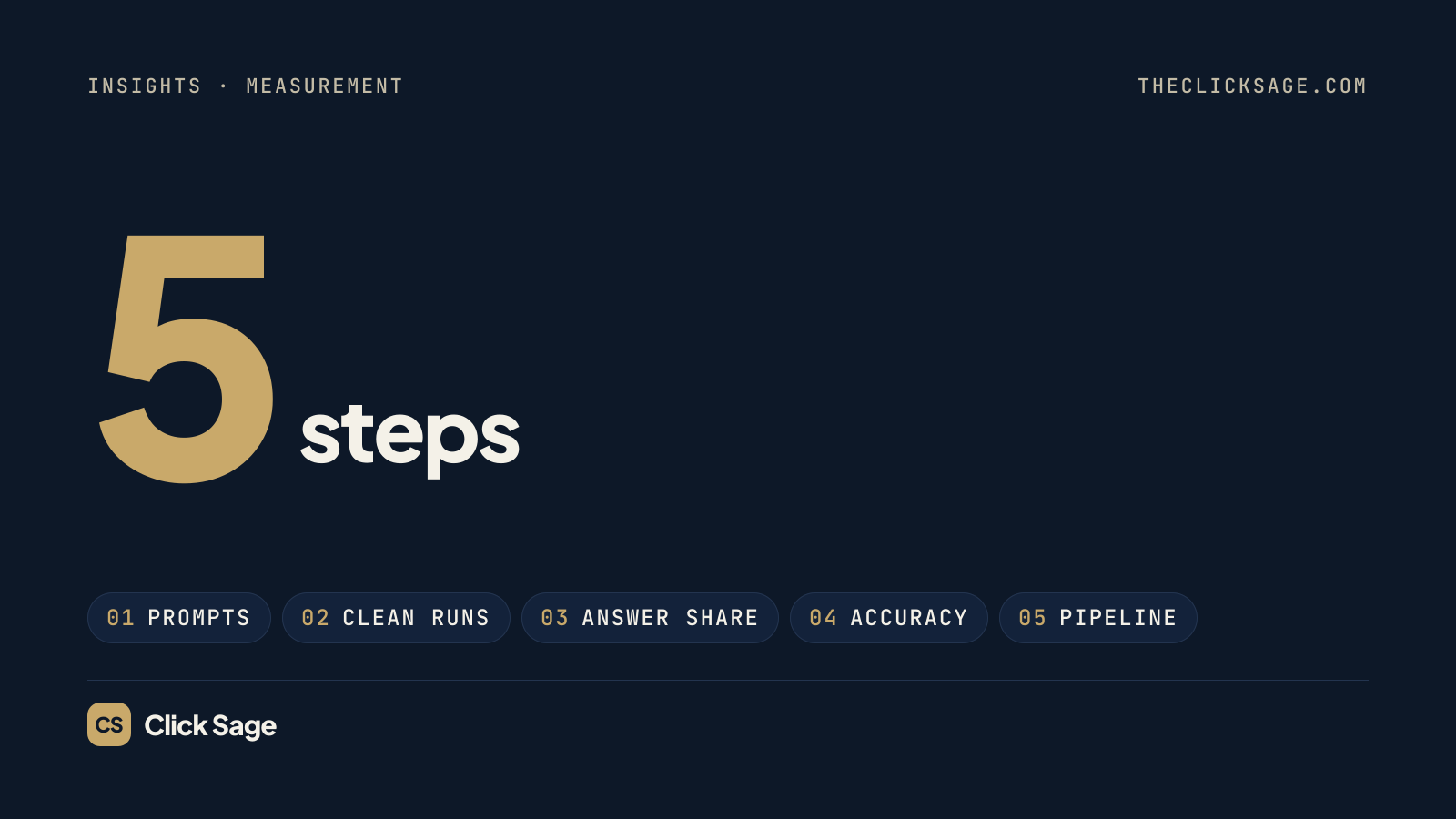
ChatGPT has no Search Console. To know whether it recommends your brand, you have to measure it yourself, and one answer tells you almost nothing. Here's a 5-step, tool-neutral method for B2B SaaS: clean, repeated runs, Answer Share scoring, accuracy audits and pipeline attribution.
Measurement · Oct 14, 2026 · 7 min read · By Click Sage
Google gives you Search Console. ChatGPT gives you nothing comparable: no impressions report, no rankings and no list of the questions where your brand came up. If you want to know whether ChatGPT recommends you when buyers ask for a shortlist, you have to measure it yourself.
Most teams start by asking ChatGPT about their category once, seeing their brand (or not), and drawing conclusions. That's a mistake. Ask the same question twice and you can get two different lists of brands, in two different orders, citing different sources.
This guide is a 5-step method that works with nothing more than a spreadsheet. It's built to give you numbers you can trust, and to connect them to what actually matters: pipeline. If you haven't yet worked on getting mentioned in the first place, start with our playbook on how to rank in ChatGPT.
What to track: mentions, recommendations and citations
"Showing up in ChatGPT" covers several different things. Track them separately:
Mention: your brand is named anywhere in the answer.
Recommendation: the answer suggests your brand as a good fit for the buyer's stated need. This is the one that creates pipeline.
Citation: a page from your site is linked as a source.
Position: where you appear in the answer's list, if there is one.
Accuracy: whether what ChatGPT says about you is correct: pricing, integrations, who you're for.
Competitors: which other brands appear alongside you, or instead of you.
Cited sources: which third-party pages the answer links to. These are the sources ChatGPT trusts in your category.
Together, these roll up into one headline number: Answer Share, the share of high-intent AI answers and search results in your category that cite or rank your brand.
Step 1: Build a fixed set of buying prompts
Write 20 to 40 prompts a real buyer would ask, spread across three stages:
Problem: "How do I reduce churn in a B2B SaaS product?"
Shortlist: "Best customer success software for a 50-person SaaS company", or "[Competitor] alternatives".
Decision: "[Your brand] vs [competitor]", "Does [your brand] integrate with HubSpot?", or "How much does [your brand] cost?"
Use the language your buyers actually use; sales calls are the best source, as our guide to SaaS keyword research explains. Then freeze the wording. Small changes to a prompt can change the answer a lot, so a prompt you edit every month can't show a trend. When you do need to change the set, start a new version and note the date.
Also build a short name list for matching: your brand, product names, common misspellings and any former names. Exact-match counting undercounts real mentions.
Step 2: Run each prompt cleanly, and more than once
Two things distort ChatGPT measurements: personalization and randomness.
Personalization. A logged-in ChatGPT account can use memories and custom instructions, and may already "know" you work at the brand you're checking. OpenAI documents that Temporary Chat can still use memories and custom instructions unless you turn personalization off before the chat starts. For a clean baseline, use one of these:
a logged-out session in a private browser window, or
a Temporary Chat with personalization turned off.
Keep the setup the same every time: the same country, the same plan type and a fresh session.
Randomness. Answers vary from run to run, even with identical settings. Run every prompt at least five times per measurement round and record every answer. Five runs won't remove the noise, but they turn a coin flip into a usable rate.
For each run, note the date, the model shown, and whether ChatGPT searched the web, meaning it showed sources. Answers with and without web search can differ a lot.
Done when: you have five recorded answers per prompt, all captured the same way.
Step 3: Log every answer and score Answer Share
Use one row per answer, with these columns: date, prompt, stage, run number, mentioned (yes/no), recommended (yes/no), position, cited URL, competitors named, cited third-party sources, accuracy issues, and a link to the saved answer.
Then calculate:
Answer Share = answers that mention or cite you ÷ total answers. Report it overall and by stage.
Recommendation rate = answers that recommend you ÷ total answers.
Competitor share = the same Answer Share calculation for each competitor.
An illustrative example (made-up numbers): 30 prompts × 5 runs = 150 answers. If you're mentioned in 27, your Answer Share is 18%. If your main competitor appears in 66, theirs is 44%. Now you know the size of the gap, and the stage view shows where it is. You might be strong on decision prompts and invisible on shortlist prompts, which is a very different problem to solve.
Read the trend, not the month. Because answers are noisy, don't react to one month's swing. Act on changes that hold for two or more rounds.
Step 4: Audit accuracy, and find the sources behind the answers
Being mentioned isn't always good news. ChatGPT may describe your pricing model, integrations or target customer incorrectly, or repeat a competitor's framing of you. Flag every factual error in your log.
There's no form to correct what ChatGPT says about your brand. You fix it at the source:
Make sure the correct facts are stated clearly on your own site: pricing, integrations, security and who the product is for.
Update your profiles on review sites, directories and partner marketplaces, so they say the same thing.
Look at the cited sources column. The third-party pages ChatGPT links to for your prompts are the ones shaping its answers. Getting accurately represented on those pages is often the fastest way to change what ChatGPT says.
Done when: every recurring error has a source behind it identified, and a fix assigned.
Step 5: Connect mentions to traffic and pipeline
Answer Share is a leading indicator. The outcome is pipeline. Three data sources close the loop:
Analytics: in GA4, look for sessions referred from
chatgpt.com. Links in ChatGPT answers often carryutm_source=chatgpt.com, so these visits are easy to separate. Track demo requests and sign-ups from them as key events.Self-reported attribution: add "How did you hear about us?" to your demo form. Many buyers who meet your brand in ChatGPT later arrive through a branded Google search or by typing your URL, and analytics will credit those visits elsewhere.
CRM: record both, and count opportunities and pipeline value from AI assistants, not just visits. Our SaaS SEO checklist shows how to define SEO-sourced and AI-sourced pipeline with your sales team.
Done when: your monthly report shows Answer Share, ChatGPT referrals and AI-sourced pipeline side by side.
Manual tracking or a tool?
A spreadsheet works well for one assistant and up to about 30 prompts. Beyond that, manual runs get skipped, and inconsistent data is worse than none.
Specialist AI visibility tools, such as Peec AI, Otterly.AI and Keyword.com, automate the runs, and several major SEO platforms now include AI visibility tracking too. Before you pay for one, check that it:
runs prompts in clean, non-personalized sessions,
samples each prompt several times and reports rates, not single answers,
shows the raw answers and the cited sources, not just a score,
tracks your competitors on the same prompts, and
lets you export the data.
Treat any tool's numbers as directional. They measure a sample of answers, not every answer every buyer sees.
How often to measure
Monthly is the right rhythm for most B2B SaaS companies: frequent enough to see trends, cheap enough to keep doing. Re-run the full prompt set once a month, review accuracy issues at the same time, and re-check immediately after big changes, such as a pricing change, a rebrand or a major new comparison page.
Frequently asked questions
Can I see how often ChatGPT mentions my brand?
Not directly. OpenAI doesn't offer brands an analytics dashboard or impressions report like Google Search Console. You measure by sampling: running a fixed set of prompts repeatedly and recording the answers, manually or with a tool.
Why does ChatGPT give different answers to the same question?
AI answers are generated fresh each time, so the wording, the brands named and the sources cited can change between runs. Model updates, web search results and personalization add more variation. That's why you track rates across repeated runs, not single answers.
Does my ChatGPT memory affect what it says about my brand?
It can. If memory and custom instructions are on, ChatGPT may tailor answers to you, including what it knows about where you work. For measurement, use a logged-out session or a Temporary Chat with personalization turned off.
Should I track Perplexity, Gemini and Google AI Overviews too?
Yes, if your buyers use them. The same method works for each assistant. Keep the prompt set identical across assistants, so you can compare where you're strong and where you're missing.
Want a baseline without building the spreadsheet yourself? Our AI SEO service starts with an AI visibility audit and Answer Share benchmark against your competitors. Book a strategy call to see where you stand.
Want this applied to your pipeline?
A 30-minute strategy call: we look at where you show up in AI answers and search today, and what would move it.
Related
SaaS PPC: how to run paid ads that create pipeline, not just leads
Paid media · Oct 17, 2026 · 6 min read
Most SaaS PPC accounts are optimized for cheap leads and judged on cost per lead, so they buy plenty of form fills and little pipeline. Here's how to run paid search and paid social for B2B SaaS that's measured, and bid, on the opportunities it creates.
A SaaS content strategy built on buyer questions
Content · Oct 17, 2026 · 6 min read
Most SaaS content calendars are lists of topics someone thought were interesting. This strategy starts from the questions your buyers actually ask, gives each one a single page, puts that page to work across search, AI answers, email, social and sales, and measures it in pipeline.
How to rank in ChatGPT: a 6-step playbook for B2B SaaS
AI search · Oct 14, 2026 · 7 min read
There's no ChatGPT ranking formula, and no way to submit your site. There is a clear set of things that decide whether ChatGPT can find, trust and cite your brand. Here's a six-step playbook for B2B SaaS, separating what OpenAI documents from what practitioners observe.